Quadrant
J4YC33
Permalink
In my quest to see if I could make the Cricut a reasonable utilitarian thing I decided to make a sinus Quadrant.
I went to the Astrolabe Generator and printed myself off a nice paper copy of a sinus quadrant to play with. At the same time, I realized I still had some left over Cricut Basswood and put the two together to get a really fascinating and useful little toy.
There are a number of features to the Sinus Quadrant that I don’t know well enough to explain, and a couple that I do. I’ll throw together a short clip of that to upload here, but for now let’s look at some pictures.
More or less, the Sinus Quadrant is a simple quadrant with sin/cos calculating scales transposed sexigesimally along the horizontal and vertical edges respectively. On this quadrant a string (in this case hemp chord) is threaded through a hole (that won’t be drilled so deep in my next version! :-)) with a weight or plumb of some kind at the other end. This allows the string to be used both as a calculating tool (as we will see), and as a marker in observing angles by freely floating over the scale.
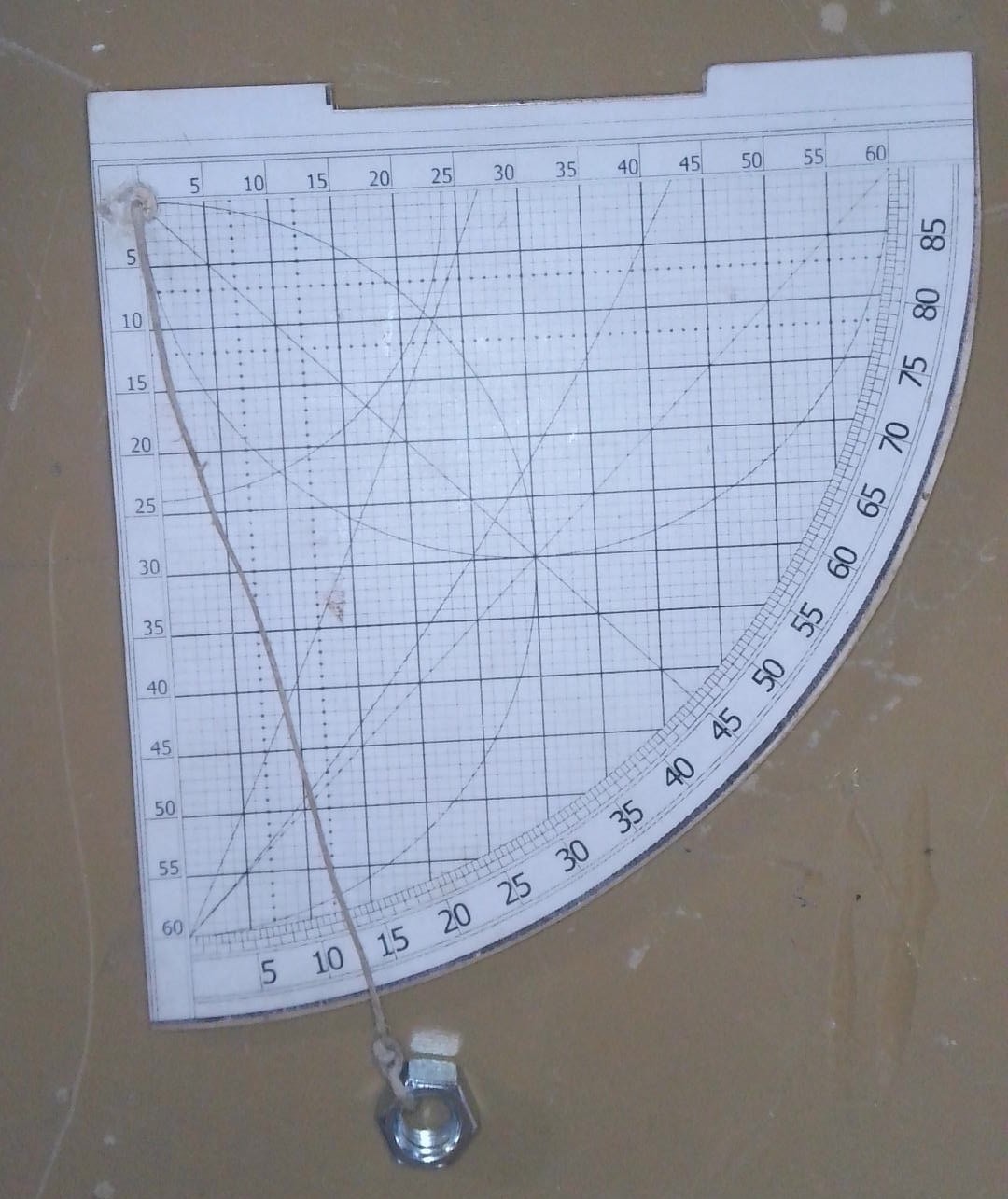
This is the finished quadrant. I pretty much only know how to use it as an angle finder to determine height of an object, and how to calculate sin, cos, and tan of angles. But, I can show how that works!
To get a good height on things, you need to get them aligned. For that I made this by laminating three pieces of Cricut 1/8 basswood cut in the template shapes (Templates provided below.) From that I did a print-and-cut on the Cricut of the quadrant template itself. The shapes consist of two templates with the tall side ears (used for over the top alignment), and one template that is a simple 90 degree arc. This template sits in the middle and creates the channel you can see in the image above. This can be used for more precise alignments, although it will need some improvement in the future. After all that was sanded, filed, and measured square I hit it with a single coat of varnish from a spray can to give the cardstock just a tad more resilience.
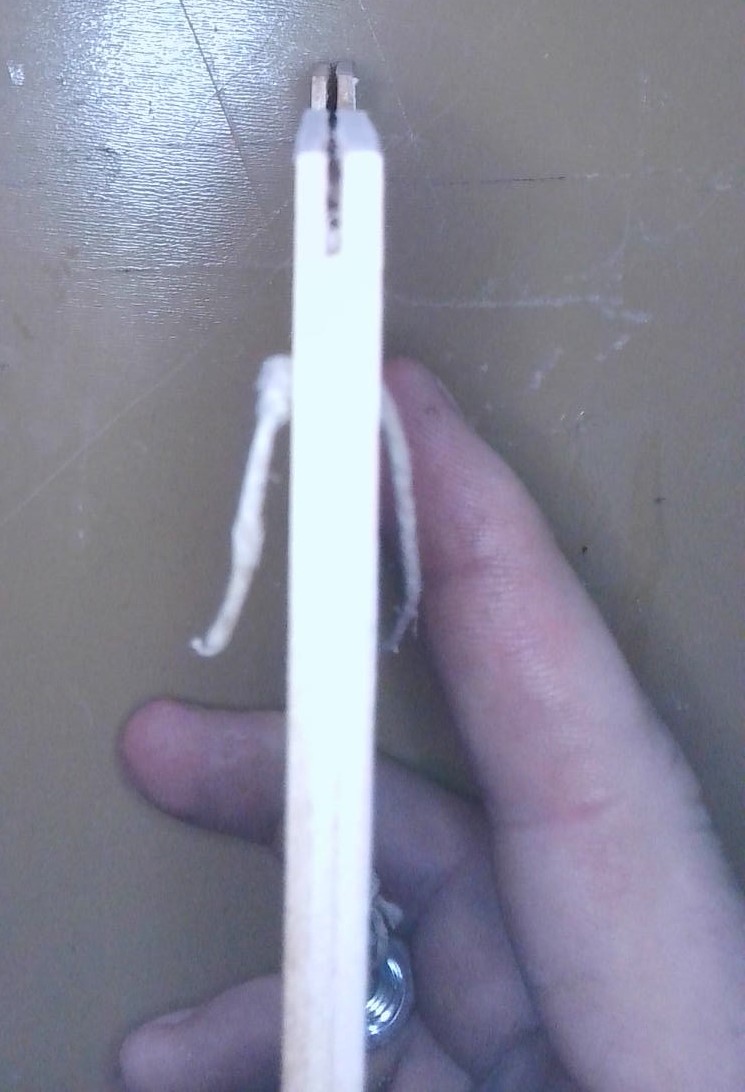
Let’s say you’re looking up those sights 6 feet away from a GIANT Obelisk. Your eyes are roughly 5.75 feet from the ground and you sight up the quadrant to an angle of 45 Degrees.
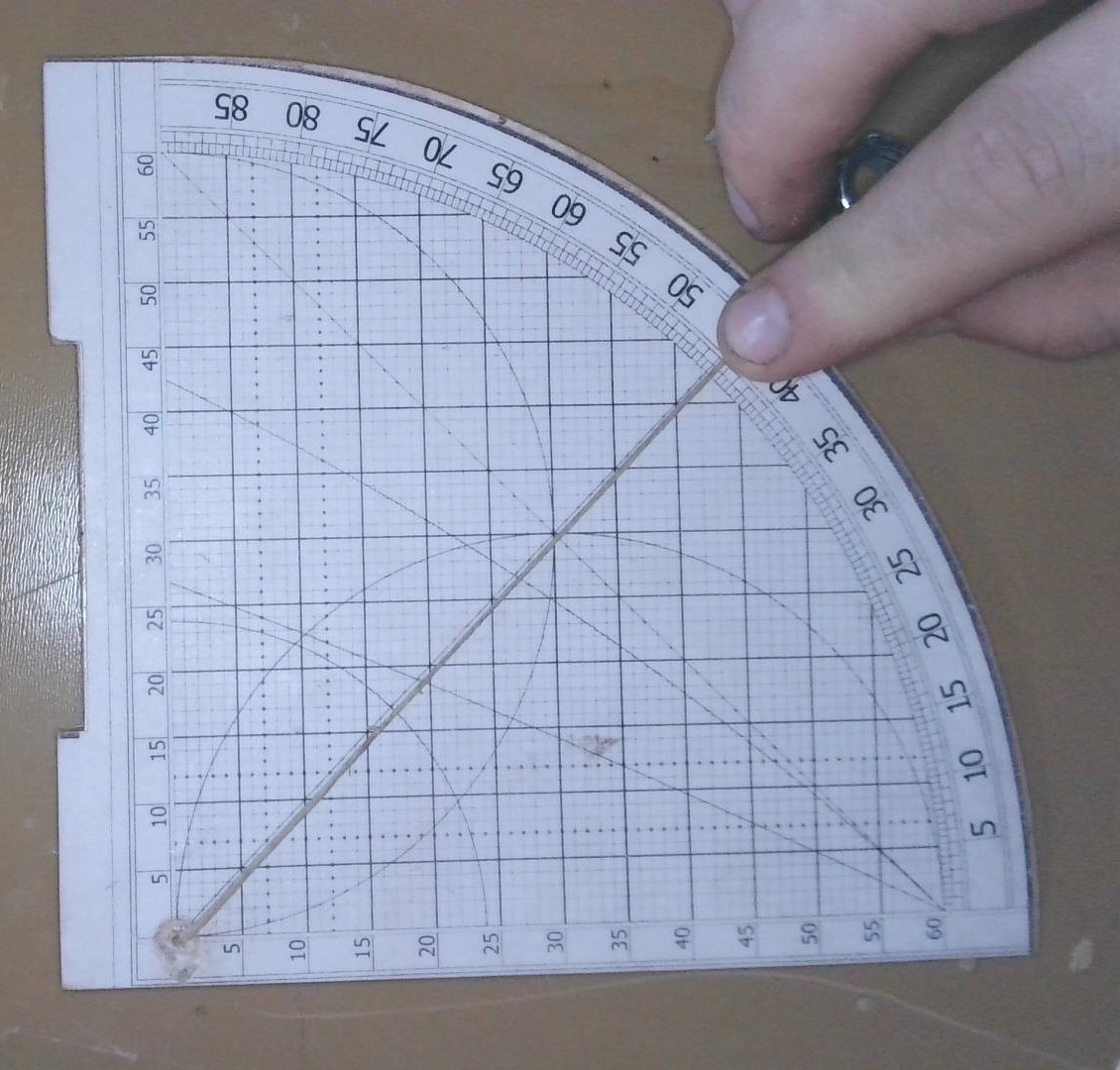
You need to know the height of this obelisk, such that you can determine how much rope you will need to rappel down after you climb up… for reasons… From here, you need to find where the angle intersects the grid, and follow this vertically to get the SIN of the angle (45 degrees).
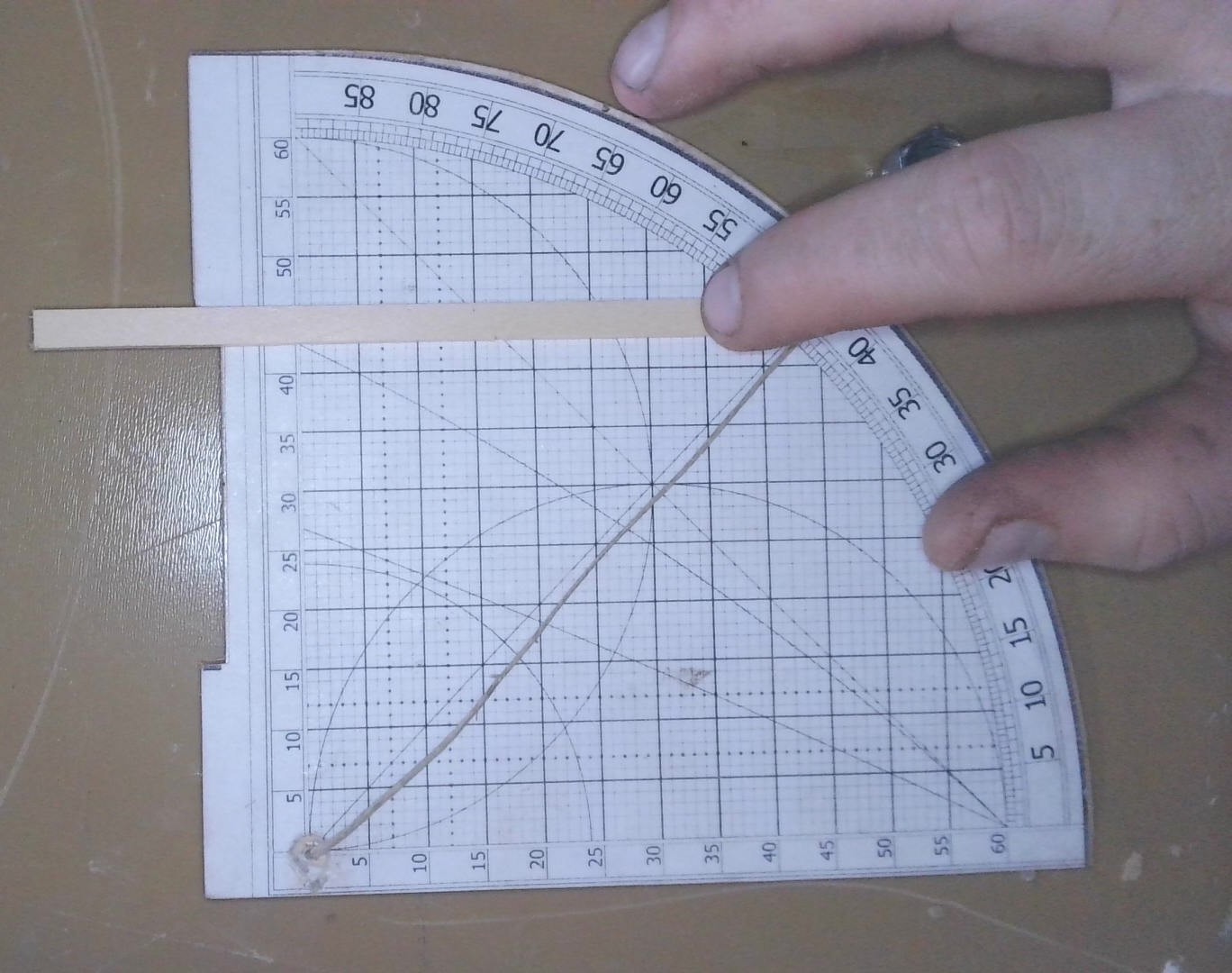
This gives us roughly 42.5 on the Sexigesimal scale at the top of the quadrant. To determine the value we need, we take 42.5 and divide by 60.
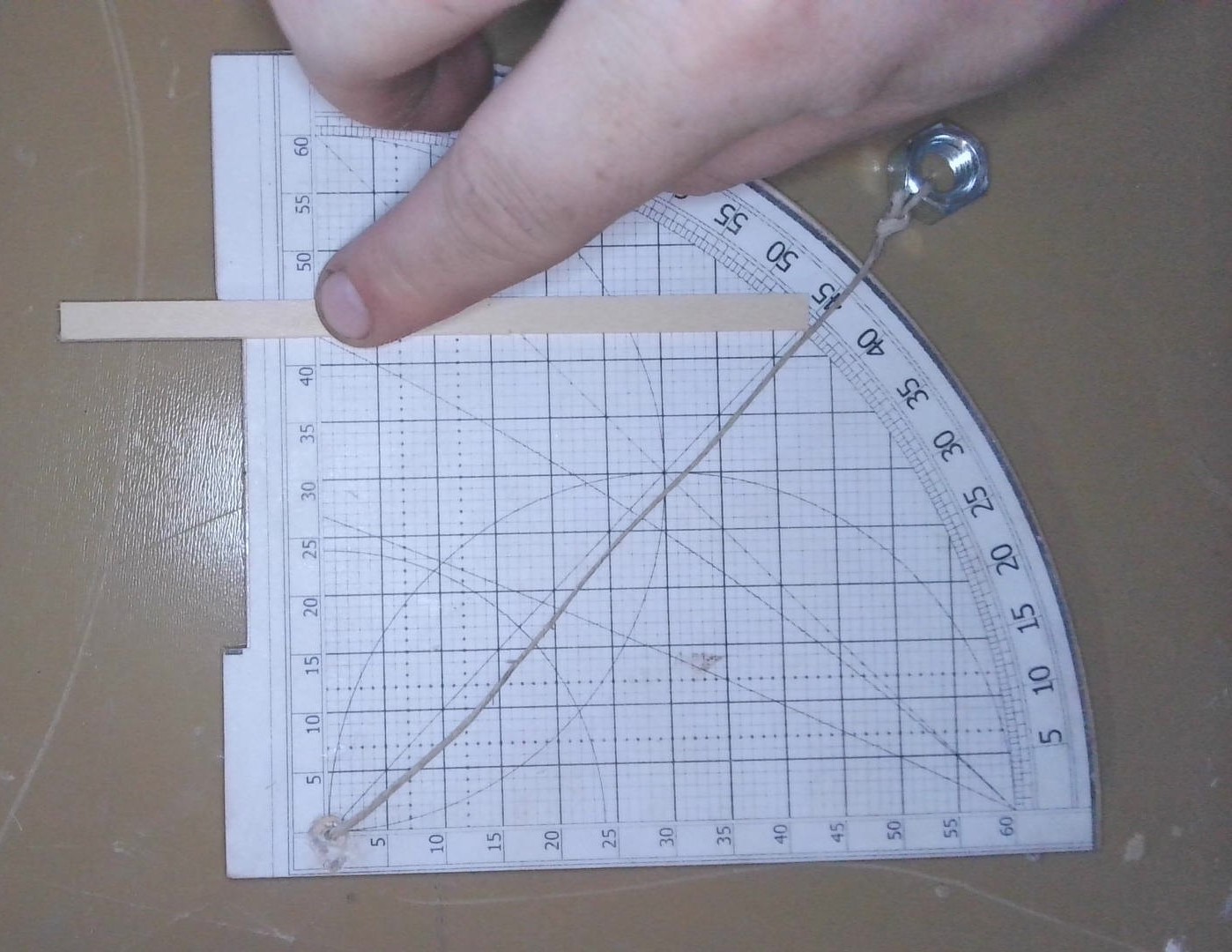
(42.5/60 = .708). This gives us Sin(45 deg) = .708. This answer is +/- .001 (1/1000) of the actual value.
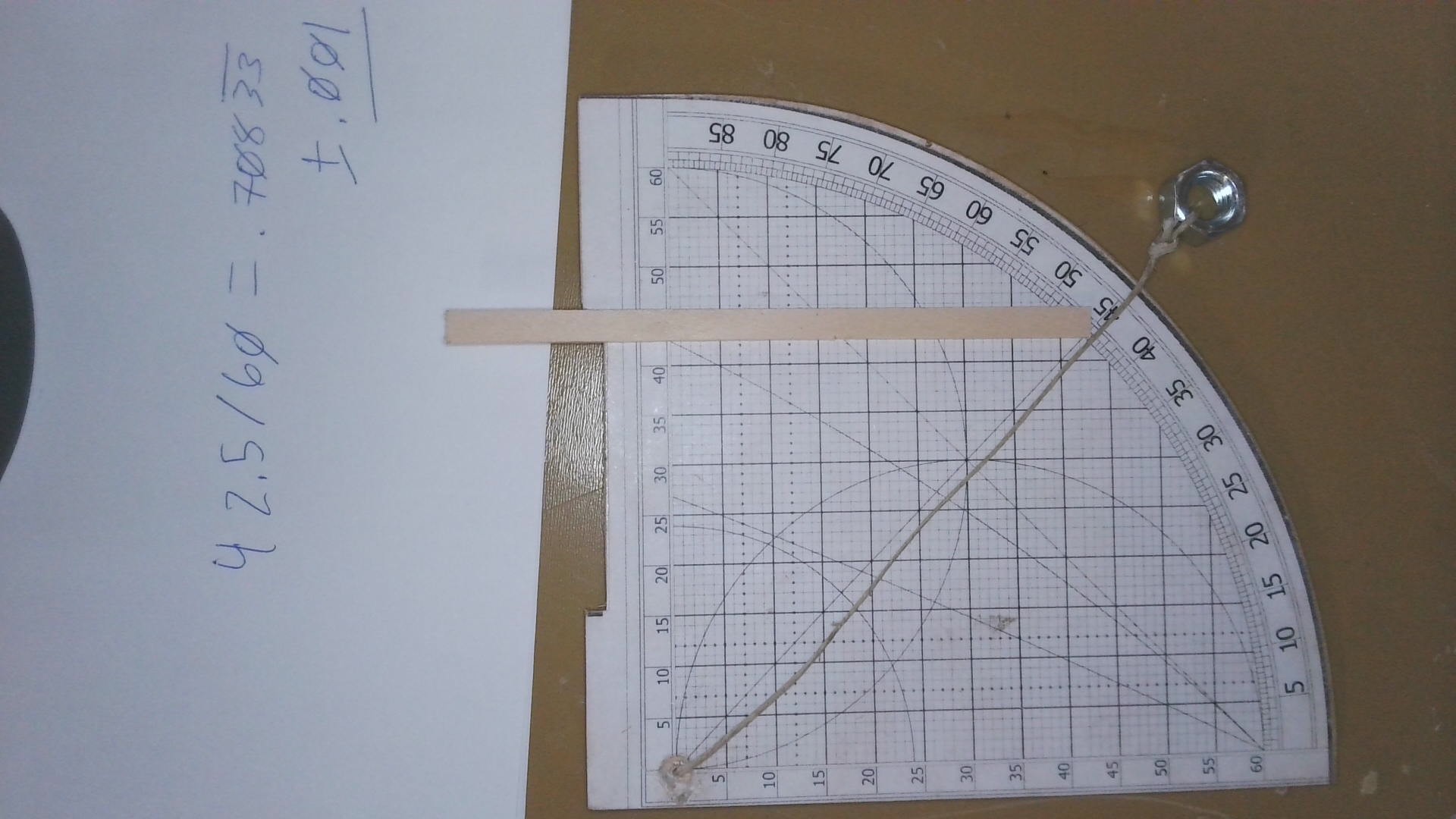
Now, to determine the height we need the TAN of the angle we measured. To get that with the SIN we just calculated, we need to arrive at the COS of the angle. Luckily, we have a cosine scale on this quadrant up the verticle edge. From our measured angle, we come horizontally over to the cosine scale and we come to roughly 42.5.
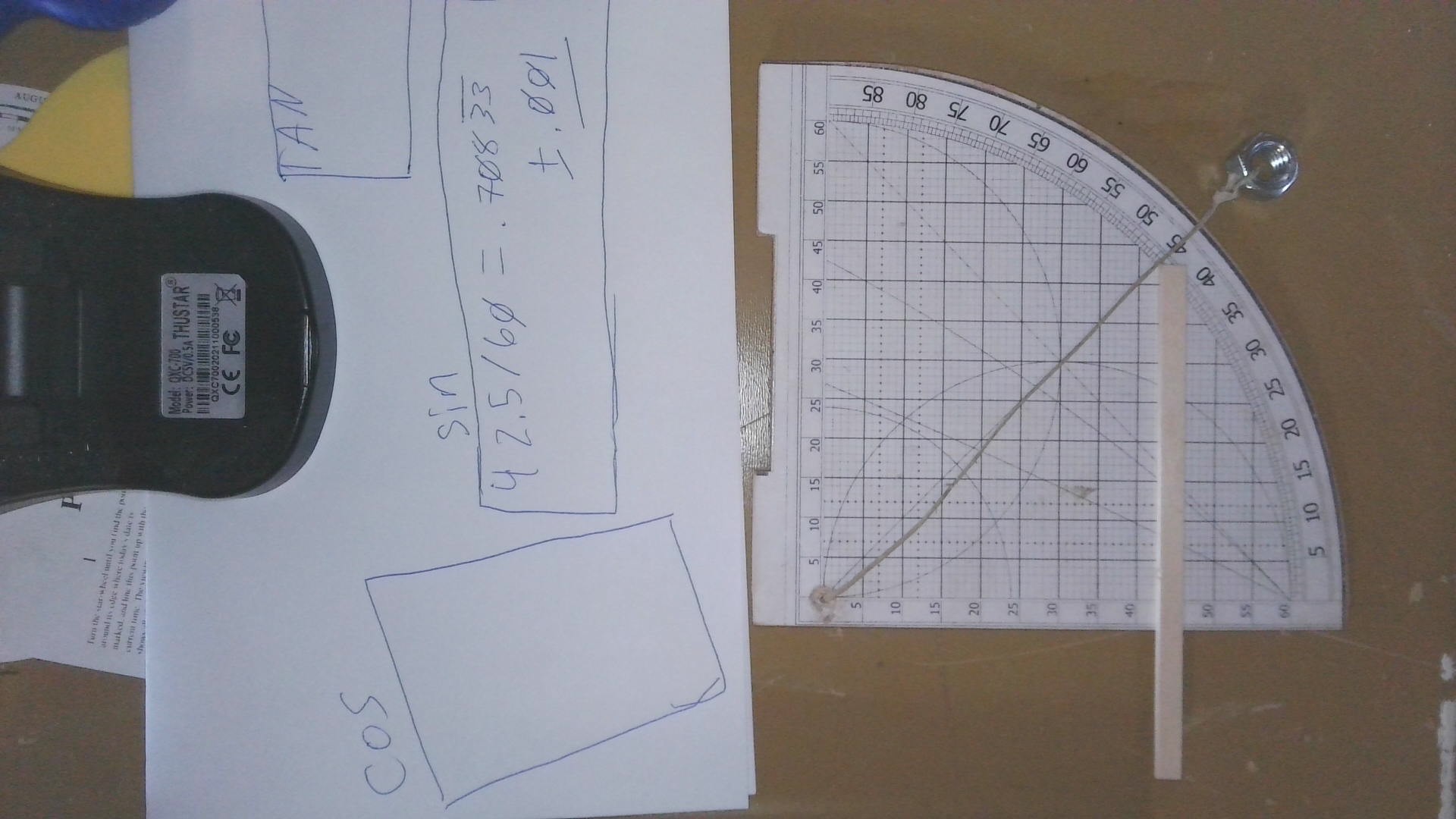
Since this scale is also sexigesimal, so we take 42.5/60 and come to … .708. This is within the same margin of error of +/-.001 of the actual value as our SIN calculation.
This works out… Because TAN(45 deg) = 1. I checked this with a very period appropriate trip to Wolfram Alpha…
More or less, the device is a masterpiece. It can be used to estimate time of day from the angle of the sun, and can be used to calculate more complex trig than anything we did here today. I hope to learn more about how this works over time, but for the moment, I have more prototypes to make!
Making them with the Cricut.
In order to cut the pieces out with the Cricut (feel free to use the templates with, like, a scroll saw, or a coping saw, or just on cardstock or paper…) there will be some setup. I’ve put together a probably not comprehensive, but potentially useful walkthrough.
First and foremost, download the templates below and extract them into a directory.
Get yourself to the Cricut canvas for a new project, and hit the upload button on the left hand column.

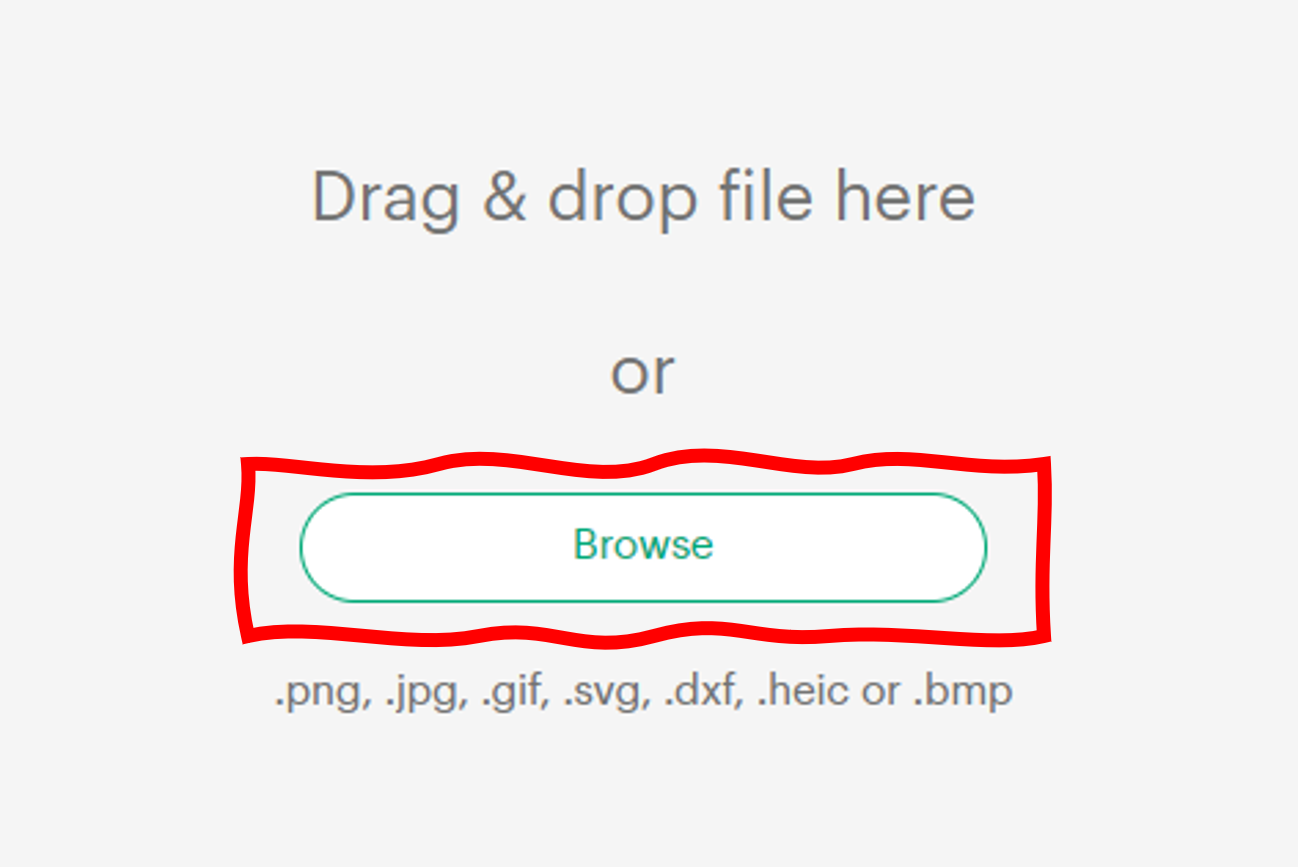
From there, you will need to upload the image by selecting the Browse option.
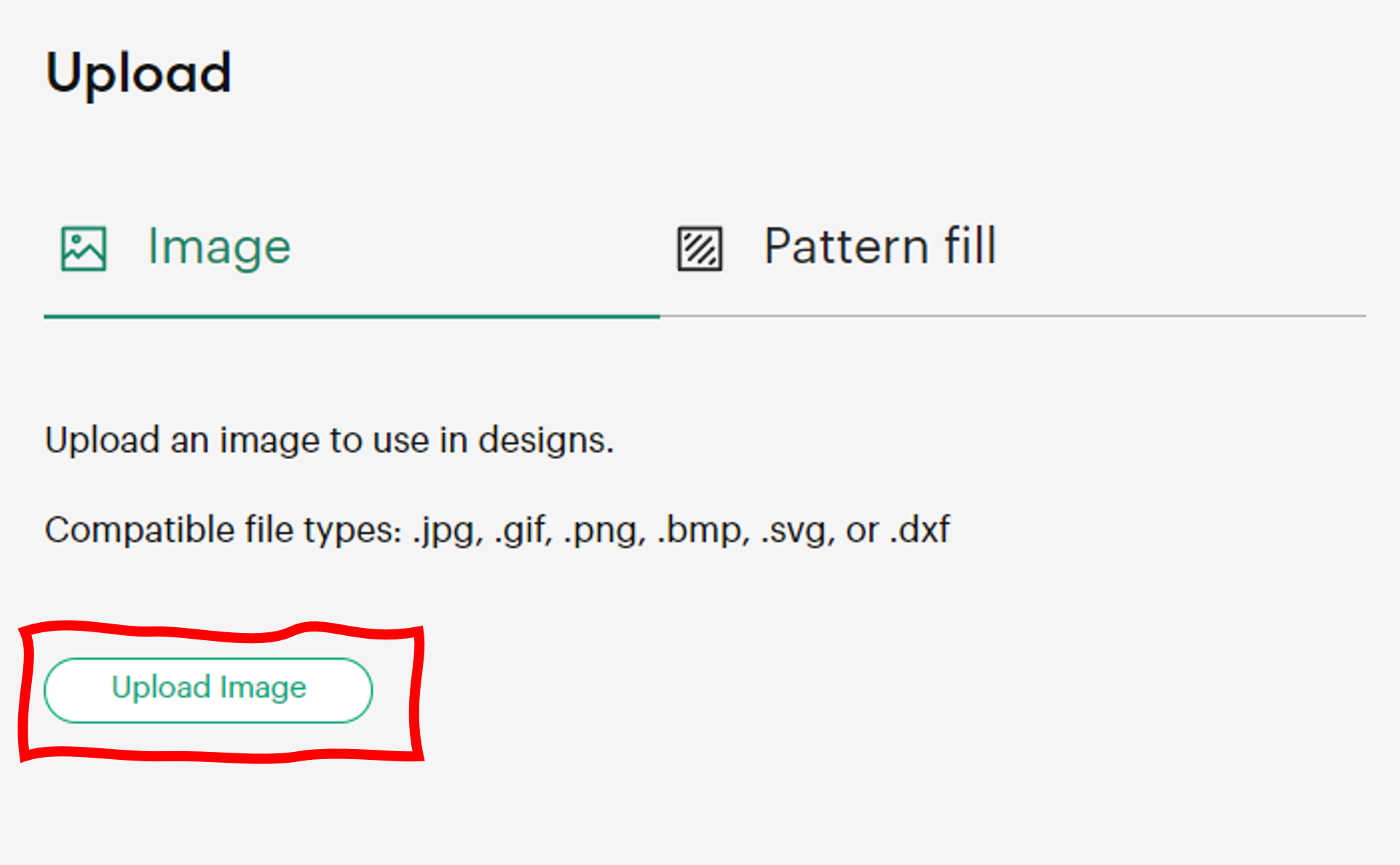
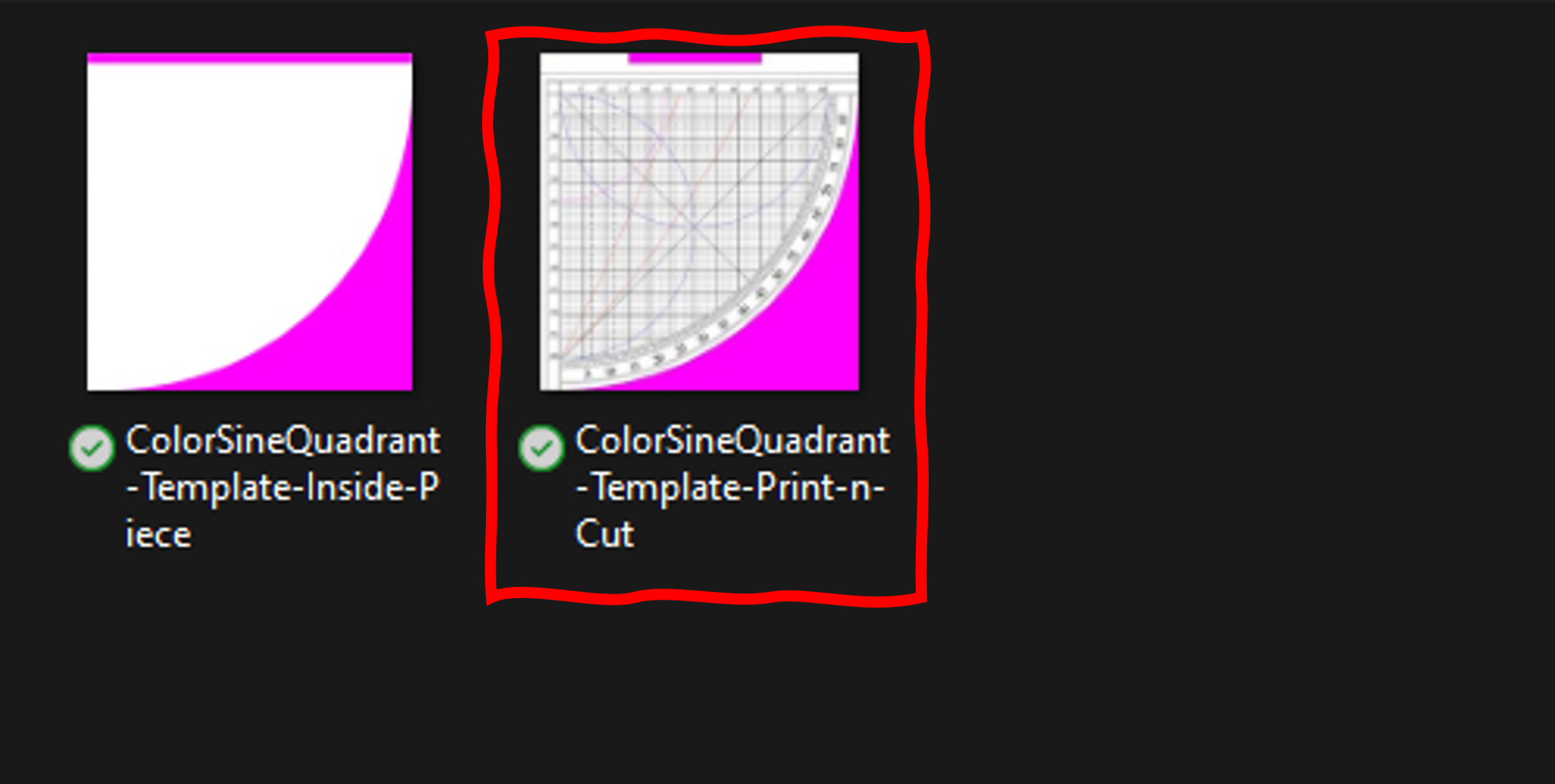
Browse to the files you extracted from the template and select the ColorSineQuadrant-Template-Print-n-Cut.png file to upload.
In the screen that comes next, select simple at the top right. After doing so select “Continue”.
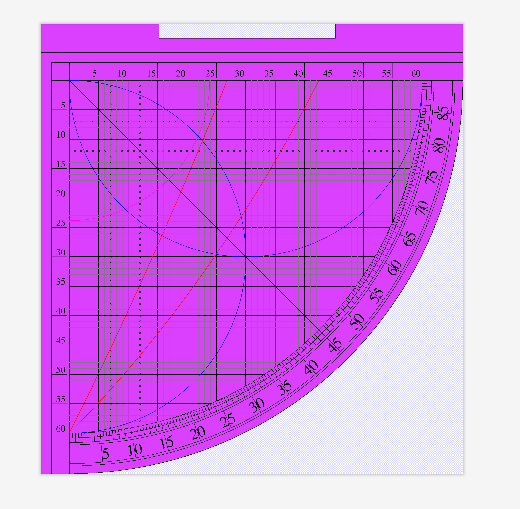
From here you will want to select the top section, and bottom right sections, to be removed from the cut as shown in the final image below. After ensuring your screen matches the image below, select “Apply and Continue”.
On the final screen, select “Print then Cut” (as below) and the image will now be saved in your Cricut library.
You will need to repeat these steps, again, for both pieces of the template ( yes, even the one we just did) but select “Cut Image” for both templates.
From here, you can import the images to cut the following number of pieces:
- The Print-then-cut template of the quadrant (you can do this one by itself if you only want to test this with a cardstock quadrant…). Printed on cardstock and cut on the Cricut.
- Two of the same template, but as cut only cut in 1/16 basswood or balsa
- One of the inner piece template cut in 1/16 basswood.
Once those are all cut, glue the three wooden pieces together aligned on the curve and the straight (non-eared edge.) to make the body. Then laminate the printed scale to the body aligned along the ears. At this point, I suggest using a coat or two of varnish (and maybe some polishing if this is going to be a final version for you).
You will need to sand/file the edges such that the two sights are aligned, and the sights are 90 degrees from the cosine scale (within reason). Then, drill a hole through the indicator at the 0 point on the scales (be careful not to do what I did and dig the chuck into the quadrant…). I used a custom spade bit I hammered from an escutcheon pin that was roughly the right diameter for my hemp chord and tied a nut to the end as the weight.
That should get you, roughly, a quadrant of similar quality to the one I have displayed in this post!